How to Register on FalconPlay: A Step by Step Sign Up Guide for Filipino Players

Getting started at an online casino should be the easy part, and at FalconPlay it genuinely is. If you can send money on GCash or reply to a text message, you already have every skill you need to open an account. The whole thing takes about two minutes.
This guide walks you through the full sign up process from start to finish, in plain English: what to prepare before you begin, every step of the registration form, how to verify your account, how to log in afterwards, and how to fix the small problems that occasionally trip people up. No jargon, no guesswork.
Quick Answer
To register on FalconPlay, open the sign up page, enter your mobile number and a password, confirm the one time code sent to your phone, and complete a few basic profile details. You must be 21 or older and a resident of a country where online play is permitted. Registration is free, takes about two minutes, and once your account is active you can verify your identity, make a first deposit with GCash or Maya, and start playing.
🦅 Create Your FalconPlay Account in Two Minutes
FalconPlay has offered casino and sports entertainment to the Asian market since 2015, with instant peso deposits through GCash and Maya, English support around the clock, and a mobile first experience. Opening an account is free and fast.
Before You Register: What You Need Ready
You do not need much to open a FalconPlay account, but having a few things within reach makes the process smoother and means you will not have to stop halfway through to go looking for a detail. Get these ready first.

- You are 21 or older. Online play is strictly for adults. FalconPlay, like every licensed operator, requires you to be of legal age, and your date of birth will be checked during verification.
- An active mobile number. Your phone number is your main login and the place where your one time verification code arrives. Use a number you control and can access right away.
- A working email address. Some sign up flows ask for an email for account recovery and promotional updates. It does not have to be fancy, just one you can open.
- A funded e-wallet. If you plan to play for real money, having GCash or Maya already set up means you can deposit the moment your account is live. You can register first and fund later, but most players like to be ready.
Tip: Use your real details. The name on your account should match the name on your e-wallet and any ID you use for verification. Mismatched names are the single most common reason a withdrawal gets delayed later on.
How to Register on FalconPlay: Step by Step
The sign up form is short and follows the same logic as any e-wallet or shopping app you have used before. Here is the full sequence from the moment you land on the site to the moment your account is ready.
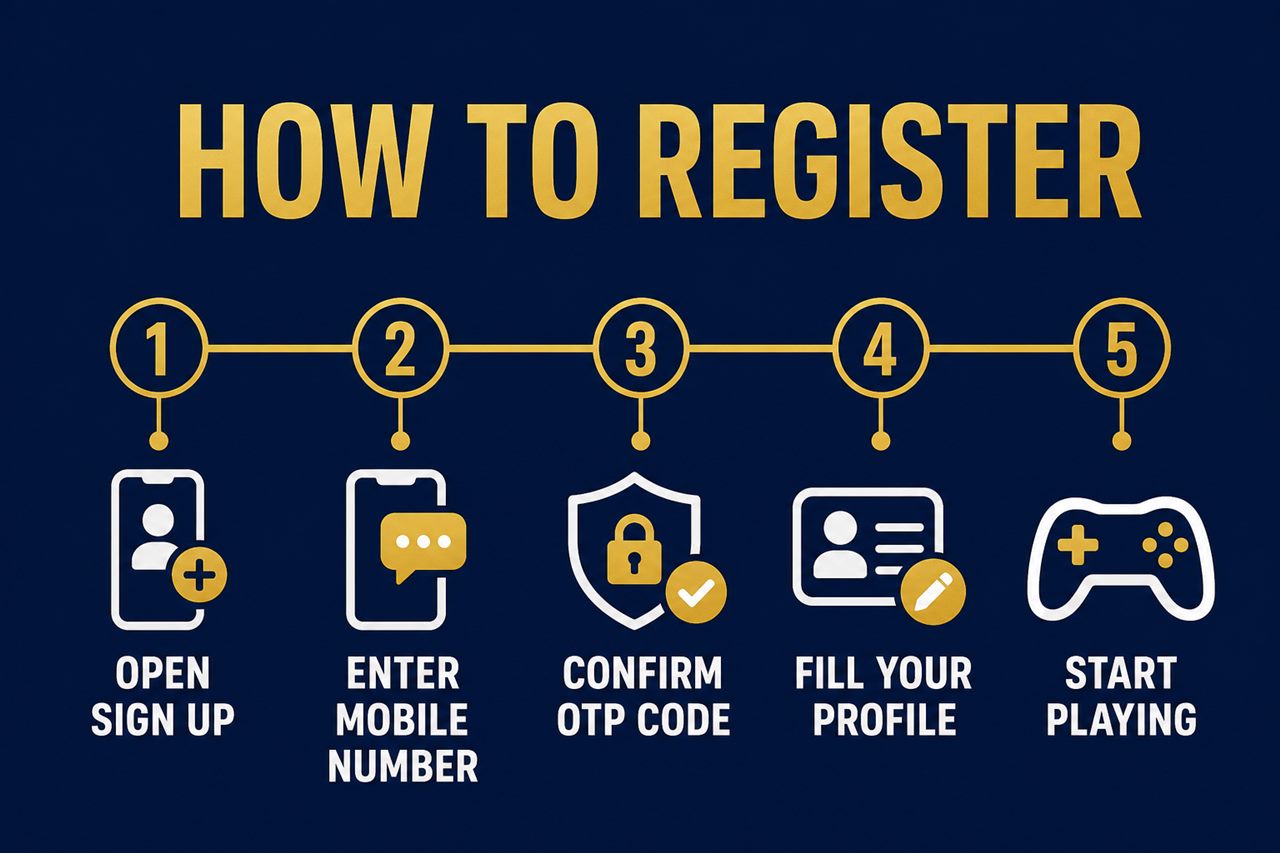
- Open the sign up page. Head to FalconPlay and tap the Register or Sign Up button, usually at the top right of the screen. This opens the short registration form. You can do this on a phone browser or on desktop, whichever you prefer.
- Enter your mobile number and password. Type in the mobile number you want to use as your login, then create a strong password. A good password mixes upper and lower case letters with at least one number, and is something you do not use anywhere else. Some forms also ask you to confirm the password by typing it twice.
- Confirm the one time code. FalconPlay sends a short verification code by text to the number you entered. Open your messages, read the code, and type it into the form. This proves the number is really yours and is the step that activates your account. If it does not arrive within a minute, you can request a new one.
- Fill in your basic profile. Add the remaining details the form asks for, which typically include your full name and date of birth, and sometimes an email address or a referral code if a friend invited you. Enter your name exactly as it appears on your ID and e-wallet.
- Agree to the terms and finish. Tick the box to confirm you are 21 or older and that you accept the terms and conditions and privacy policy, then submit. Your FalconPlay account is now created and you are ready to log in and play.
Note: The exact wording of the buttons and the order of a couple of fields can change as the site is updated, but the flow above is the standard sequence. If you ever feel unsure on a screen, FalconPlay support is available around the clock by live chat to walk you through it.
Verifying Your Account (KYC)
Creating an account gets you in the door. Before you can withdraw winnings, though, a licensed operator has to confirm you are who you say you are. This is called KYC, short for Know Your Customer, and it is a legal requirement that protects both you and the platform against fraud and underage play.
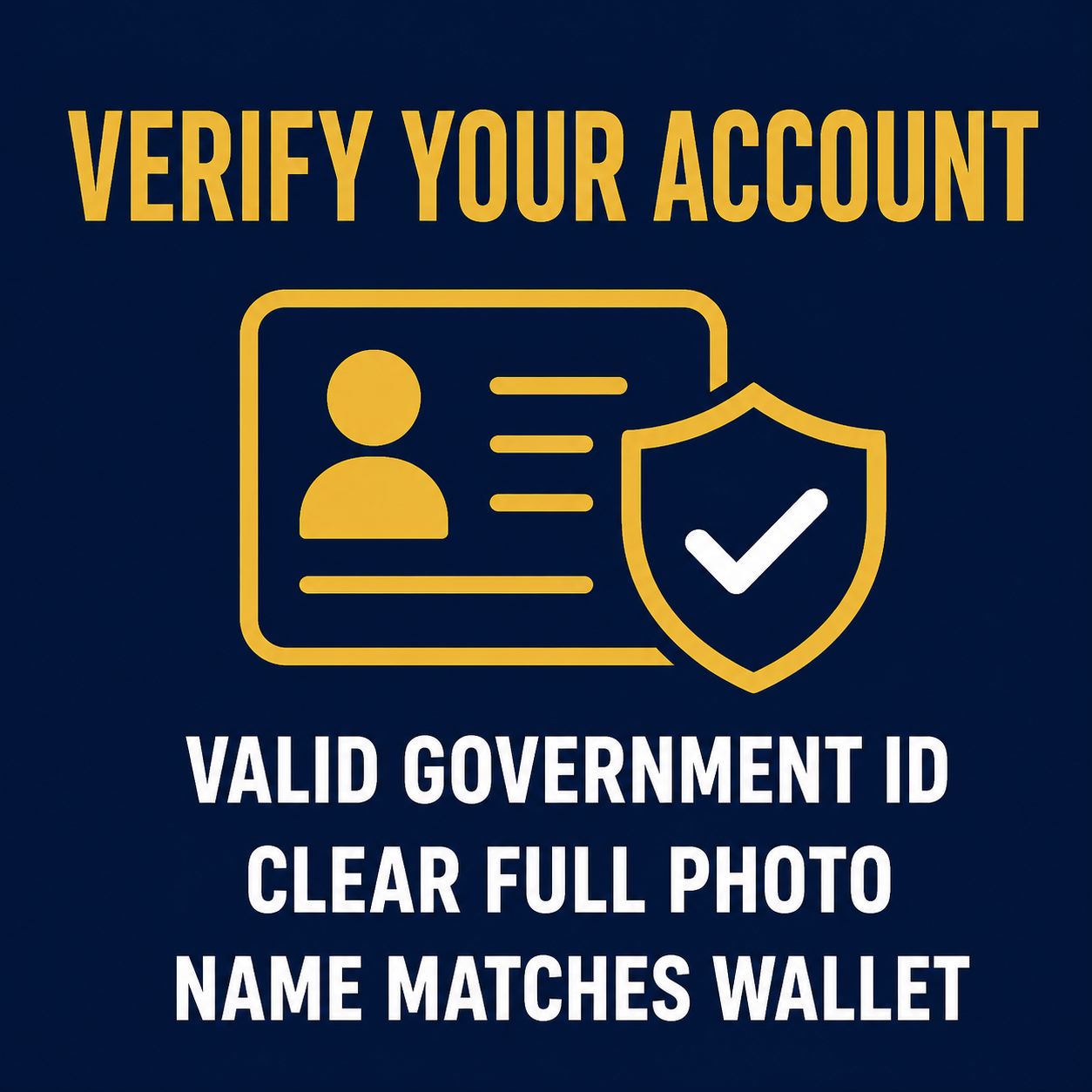
Verification is usually a one time task, and doing it soon after you register saves you from any delay when you first cash out. You will normally be asked to provide:
- A valid government ID. A driver licence, passport, national ID or any accepted photo identification that shows your name, photo and date of birth.
- Proof of your details. Occasionally a selfie holding your ID, or a document confirming your address, to match the account name.
Upload clear, full photos where all four corners of the document are visible and the text is easy to read. Blurry or cropped images are the usual reason a check bounces back. Once approved, you will not have to do it again.
Important: The name you register with must match your ID and your GCash or Maya account. Since e-wallet accounts in the Philippines are themselves verified against a real identity, keeping every name consistent means deposits and withdrawals flow without friction.
How to Log In After You Register
Once your account exists, logging back in is instant. This is the part most players do dozens of times, so it is worth getting comfortable with.
- Go to FalconPlay and tap Login.
- Enter the mobile number you registered with and your password.
- Tap login, and you are straight into the lobby.
If you would rather not type your password every time, most modern phone browsers can save it securely for you. Just make sure you are the only person with access to your device.
Tip: Bookmark the official FalconPlay login page the first time you sign in. That way you always return to the genuine site and never a copycat link. When in doubt, reach the site by typing the address yourself rather than following a link from a message.
Making Your First Deposit
With your account active and verified, funding it is the final step before you play for real. FalconPlay supports the two e-wallets most Filipinos already use every day, GCash and Maya, with deposits that usually land in seconds and in pesos.
The short version is simple: cash in to your wallet first, then log in to FalconPlay, open the cashier or deposit screen, choose GCash or Maya, enter the amount, and approve the transfer. Your balance updates almost immediately and you are ready to go. For the full walkthrough, including limits, fees and withdrawal timings, see our dedicated guide below.
💸 Ready to Fund Your New Account?
Once you are registered, a first deposit with GCash or Maya takes just seconds. Our step by step deposit guide covers cash in, limits, fees and how to withdraw your winnings.
Registration Problems and How to Fix Them
Sign up is smooth for the vast majority of players, but if you do hit a snag, it is almost always one of these, and each has a quick fix.
| Problem | Why it happens | How to fix it |
|---|---|---|
| The code never arrives | Weak signal, a typo in the number, or a brief delay | Wait a minute, then tap resend. Double check the number is correct and has signal. |
| Number already registered | You opened an account before, perhaps and forgot | Use the login page and the forgot password option instead of registering again. |
| Forgot your password | It happens to everyone | Tap forgot password on the login screen and reset it using your registered number. |
| Verification rejected | Blurry photo, or a name that does not match | Re-upload a clear, full photo of a valid ID with a name matching your account. |
| Page will not load | Network or browser cache issue | Refresh, switch between wifi and mobile data, or try another browser. |
If none of these solve it, FalconPlay support is available 24/7 through live chat, email and telephone. Give them your registered mobile number and a short description of what you see on screen, and they can look into it directly.
Is FalconPlay Safe to Register With?
It is a fair question, and one you should ask of any site before you hand over your details. A few things are worth knowing about FalconPlay.
- An established operator. FalconPlay has served the Asian gaming market since 2015, with a dedicated support team available around the clock by live chat, email and telephone.
- Local payment rails. Deposits run through GCash and Maya, both of which are regulated Philippine e-wallets with their own identity checks, so your money moves on trusted local infrastructure.
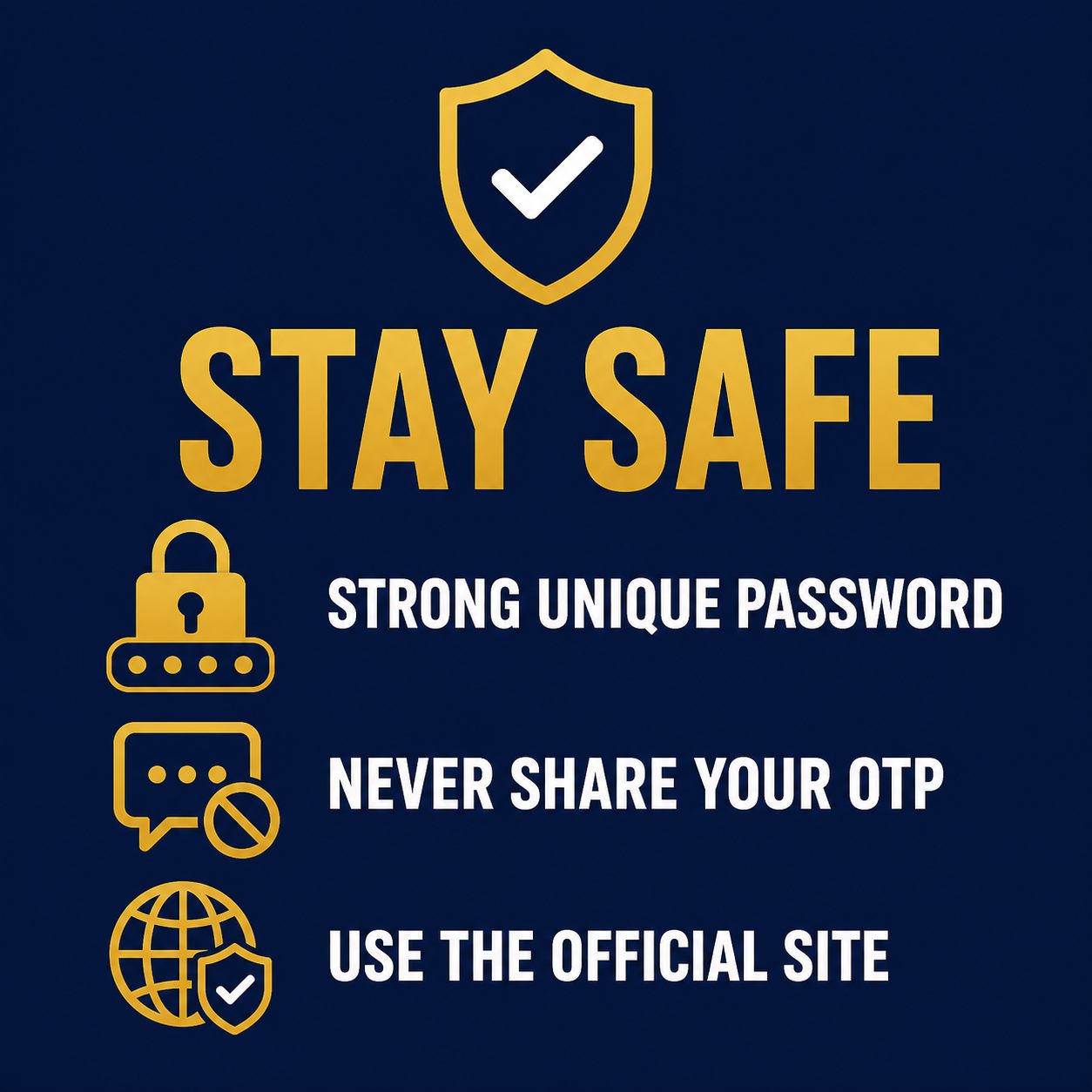
- Your own good habits. Use a strong, unique password, never share your one time codes with anyone, and always reach the site through the official address. No legitimate support agent will ever ask for your password.
Treat your FalconPlay login the way you treat your bank app, and register only through the official site, and you have covered the essentials of staying safe.
Frequently Asked Questions
How old do I have to be to register on FalconPlay?
You must be at least 21 years old. Age is confirmed during account verification, and registering while underage is not permitted.
Does it cost anything to create an account?
No. Registration is completely free. You only ever put money in when you choose to make a deposit to play for real.
How long does registration take?
About two minutes. The one time code confirmation is instant in most cases, and filling in your basic profile is the only part that takes any real typing.
Do I have to verify my identity straight away?
You can browse and, in most cases, deposit first, but you will need to complete KYC verification before your first withdrawal. Doing it early means there is no wait when you want to cash out.
Can I register on my phone?
Yes. FalconPlay is built mobile first, so you can register, verify, deposit and play entirely from a phone browser. Desktop works too if you prefer a bigger screen.
Can I have more than one FalconPlay account?
No. Operators allow one account per person. If you think you already have an account, use the login and forgot password options rather than registering a second time.
I did not receive my verification code. What now?
Wait about a minute, check the number you entered is correct, make sure you have signal, then tap resend. If it still does not arrive, contact live chat and they can help.
Which deposit methods can I use after registering?
GCash and Maya are the two main e-wallets, with instant peso deposits. See our deposit guide for the full step by step, including limits, fees and withdrawals.
Play responsibly. FalconPlay is entertainment, not a way to make money. Only ever register and deposit with funds you can comfortably afford to lose, set yourself a budget and a time limit before you start, and never chase losses. Play is for adults aged 21 and over only. If gambling stops being fun or starts to feel like a problem, step away and seek support. Free, confidential help is available through responsible gambling services.
Keep Reading
- How to Claim Your FalconPlay Bonus
- How to Withdraw on FalconPlay
- How to Deposit on FalconPlay: GCash and Maya
- How to Log In to FalconPlay: Login Steps, Password Help and Safety Tips for Filipino Players
- How to Deposit With GCash and Maya (Philippines)
- Betting Tips for Beginners (Philippines)
- The Complete Betting Guide for Filipinos
- How to Read Football Odds
- About FalconPlay
Disclosure: This page includes links to FalconPlay. If you register through them we may earn a commission, at no extra cost to you. We only ever recommend registering and playing within your means, and always through the official site.