How to Log In to FalconPlay: Login Steps, Password Help and Safety Tips for Filipino Players
Once your account is set up, logging in to FalconPlay takes just a few seconds, and you will do it every time you play. This guide covers the simple login steps, what to do when you cannot get in, how to reset a forgotten password, and the safety habits that keep your account yours and only yours.
Whether you are on your phone on the jeepney or at your desktop at home, the process is the same and it is quick. Let us walk through it.
Quick Answer
To log in to FalconPlay, go to the official site, tap Login, enter the mobile number you registered with and your password, then tap login. You are straight into the lobby. If you cannot get in, the fix is almost always one of three things: a mistyped password, the wrong number, or a forgotten password that just needs a quick reset. Always log in through the official FalconPlay site and never share your one time code with anyone.
How to Log In to FalconPlay: Step by Step
The login screen is short and works the same on mobile and desktop. Here is the full sequence.
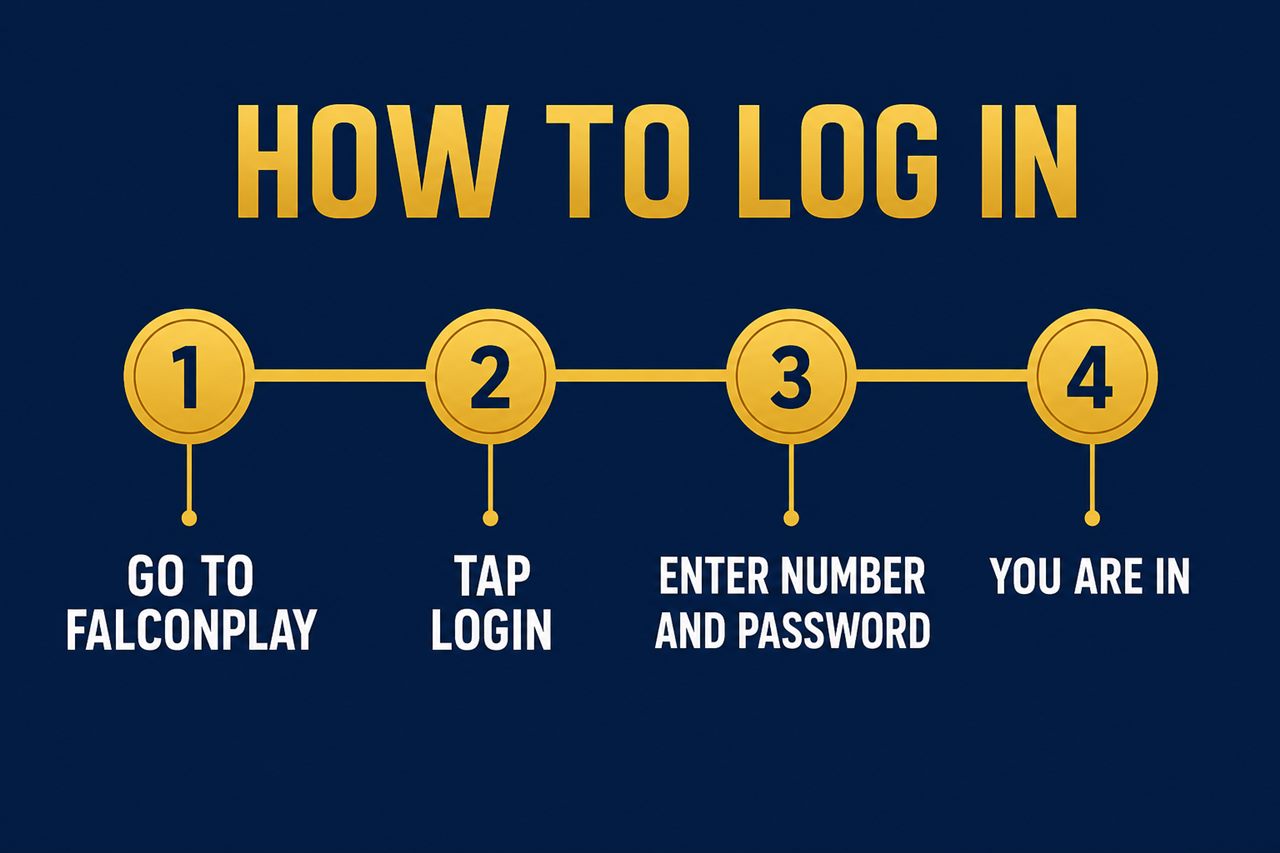
- Go to the official FalconPlay site. Open your browser and reach FalconPlay by typing the address yourself or using a bookmark you saved earlier. This guarantees you land on the genuine site and not a copycat link.
- Tap the Login button. It usually sits at the top right of the screen. Tapping it opens the short login form.
- Enter your mobile number and password. Type in the mobile number you registered with, then your password. Check for typos, and remember that passwords are case sensitive.
- Tap login and you are in. Your account lobby opens and your balance is ready. From here you can head to the cashier to deposit, or straight to the games.
Tip: Bookmark the official login page the first time you sign in. Returning through your own bookmark, rather than a link in a message or email, is the simplest way to avoid phishing pages that copy the FalconPlay look to steal logins.
Cannot Log In? Common Problems and Fixes
Login trouble is almost always small and quick to solve. Work through these in order and you will usually be back in within a minute.
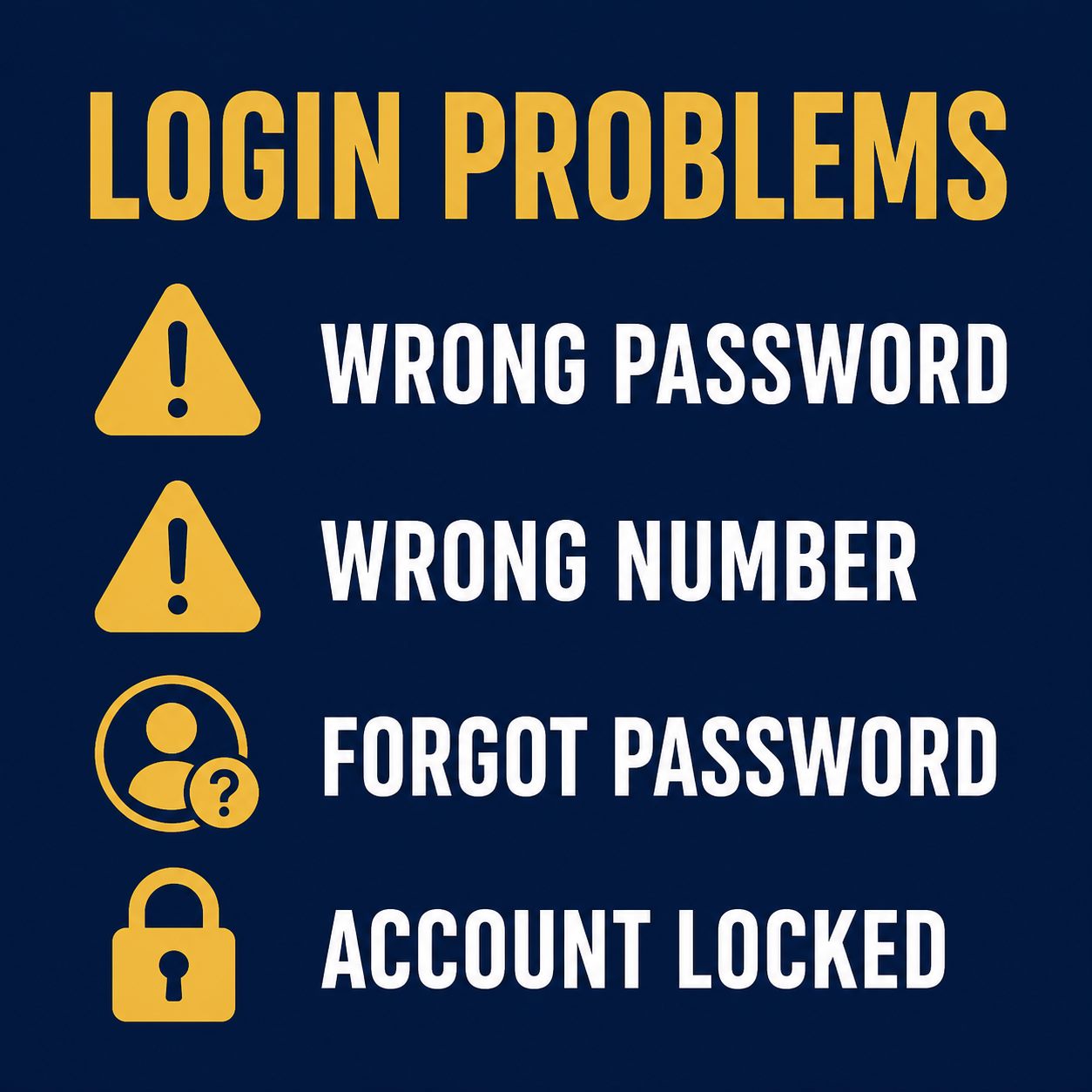
| Problem | Why it happens | How to fix it |
|---|---|---|
| Wrong password | A typo, or caps lock is on | Retype slowly, check caps lock, or use show password if the form offers it. |
| Wrong number | Logging in with a different number than you registered | Use the exact mobile number you signed up with, including the correct format. |
| Forgot password | It happens to everyone | Tap forgot password and reset it using your registered number. See below. |
| Account locked | Too many failed attempts in a row | Wait a short while and try again, or contact live chat to unlock it. |
| Page will not load | Network or browser cache | Refresh, switch between wifi and mobile data, or try another browser. |
If none of these work, FalconPlay support is available around the clock by live chat, email and telephone. Give them the registered mobile number and describe what you see on screen so they can help directly.
How to Reset a Forgotten Password
Forgetting a password is the single most common login issue, and the fix is built right into the login screen. You do not need to create a new account.
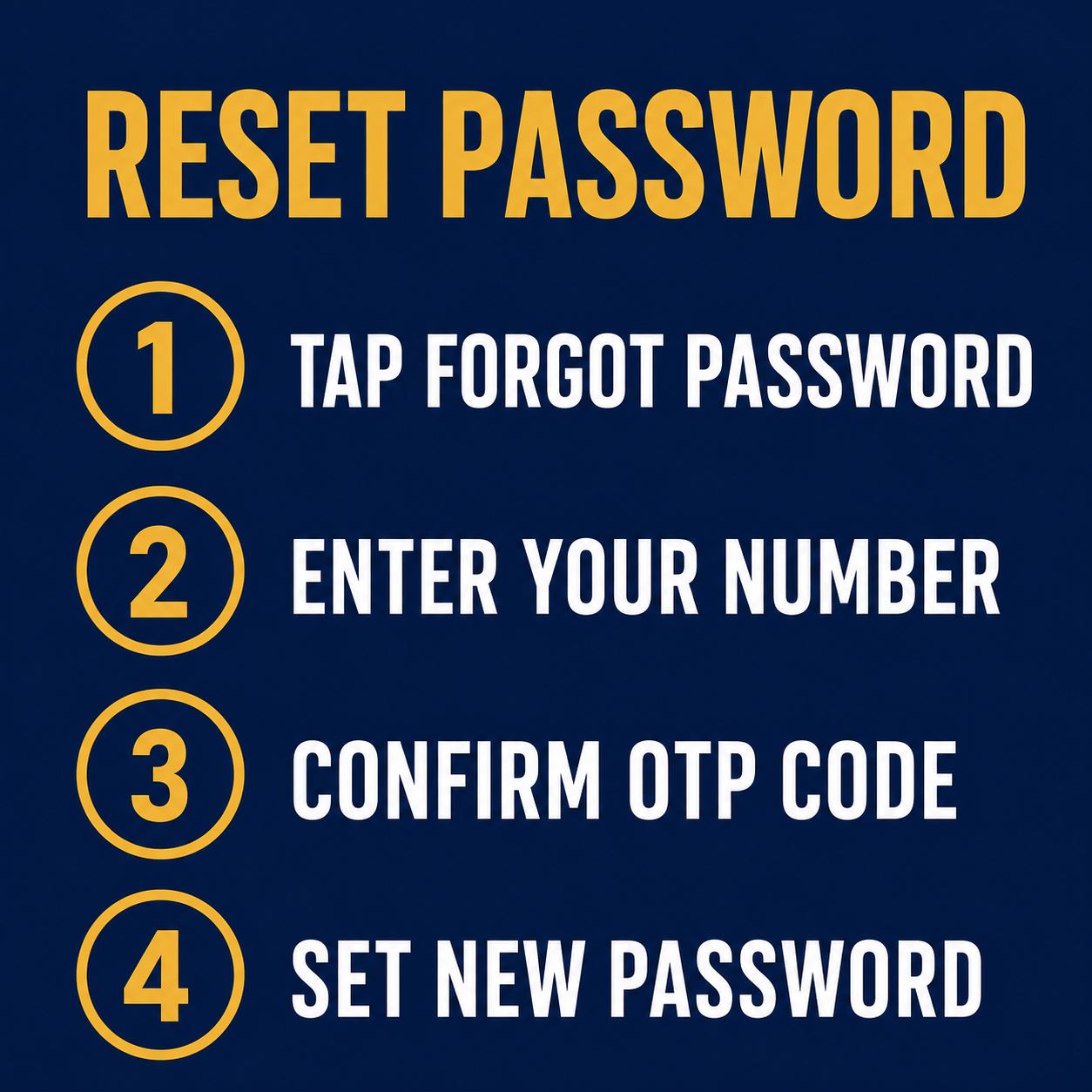
- Tap forgot password. On the login screen, look for the forgot password or reset link and tap it.
- Enter your registered number. Type in the mobile number linked to your account so the reset code can be sent to you.
- Confirm the one time code. Read the code that arrives by text and enter it to prove the account is yours.
- Set a new password. Choose a fresh, strong password you do not use anywhere else, confirm it, and save. You can now log in with the new password.
Important: A genuine password reset code only ever comes to you and is only ever entered by you on the official site. No support agent, friend or message should ever ask you to read out your reset code. If anyone does, it is a scam.
Logging In Safely: Protect Your Account
Your login is the key to your balance, so it is worth a few good habits. None of them take any real effort once they become routine.
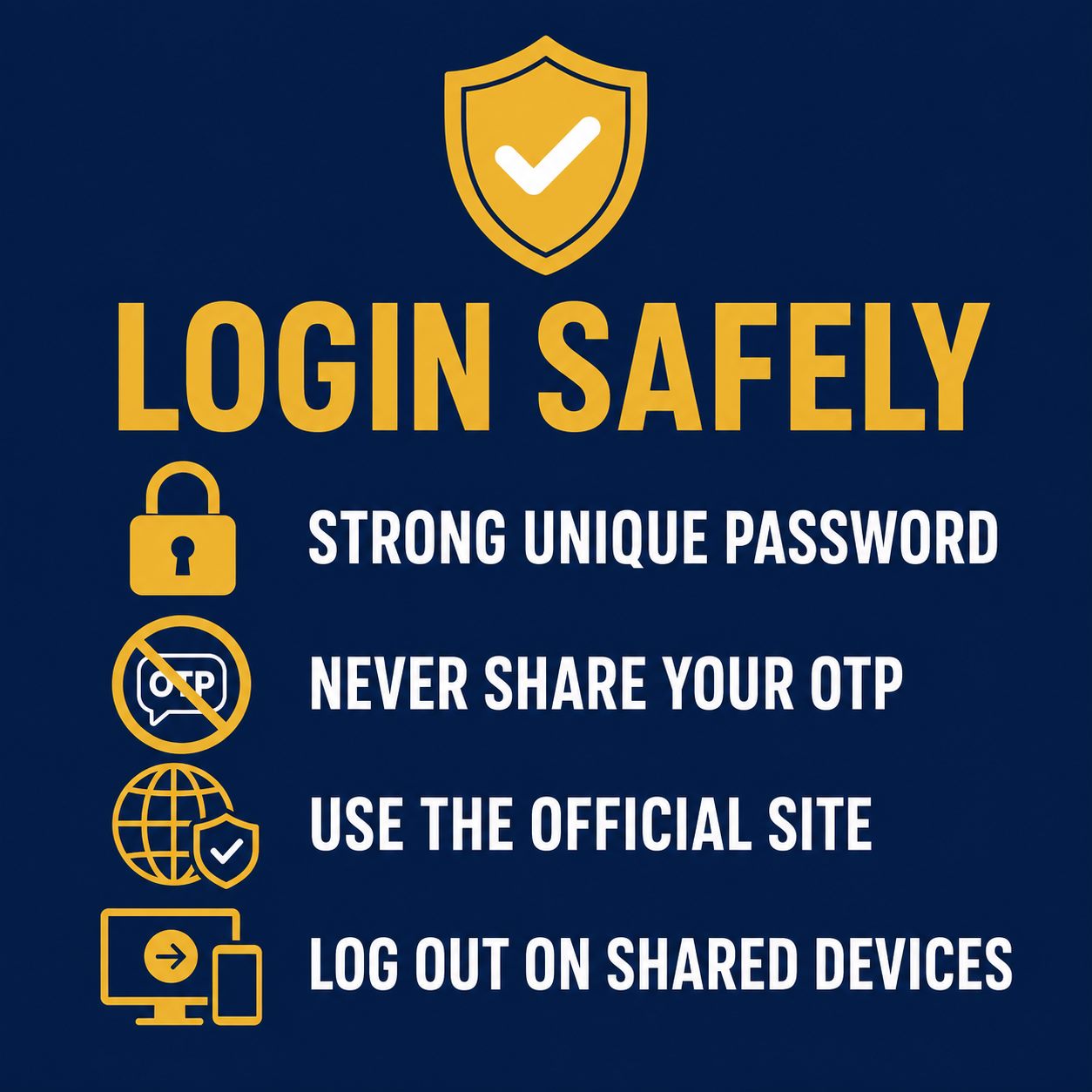
- Use a strong, unique password. Mix upper and lower case letters with numbers, and do not reuse a password from another site. If one site is breached, a unique password keeps FalconPlay safe.
- Never share your one time code. Codes are for your eyes only. No legitimate FalconPlay agent will ever ask for your password or a verification code.
- Always use the official site. Reach FalconPlay by typing the address or using your bookmark, never through an unexpected link in a text or email.
- Log out on shared devices. If you sign in on someone else phone or a public computer, log out fully when you are done rather than just closing the tab.
Note: Treat your FalconPlay login the way you treat your bank app. The same care you already take with GCash or Maya is exactly the care your gaming account deserves.
After You Log In: Deposit and Play
Once you are inside, funding your account is the final step before you play for real. FalconPlay supports the two e-wallets most Filipinos already use, GCash and Maya, with instant peso deposits.
The short version: open the cashier or deposit screen, choose GCash or Maya, enter the amount, approve the transfer, and your balance updates almost immediately. For the full walkthrough, including limits, fees and how to withdraw your winnings, see our deposit guide below.
💸 Ready to Fund Your Account?
Now that you are logged in, a deposit with GCash or Maya takes just seconds. Our step by step guide covers cash in, limits, fees and withdrawals.
Frequently Asked Questions
What do I use to log in to FalconPlay?
The mobile number you registered with, together with your password. That combination is your login.
I forgot my password. What do I do?
Tap forgot password on the login screen, enter your registered mobile number, confirm the one time code sent to you, and set a new password. It takes about a minute.
Why does it say my password is wrong when I am sure it is right?
Passwords are case sensitive, so check that caps lock is off and that there are no extra spaces. If it still fails, reset the password to be sure.
Can I log in on both my phone and my computer?
Yes. Your account works on any device through a browser. Just log in with the same number and password wherever you are.
My account is locked after several attempts. What now?
A temporary lock after repeated failed logins is a security measure. Wait a short while and try again, or contact live chat to have it reviewed.
Is it safe to save my password in my browser?
It can be convenient, but only on a private device that only you use. Never save your login on a shared or public computer, and log out fully when you finish.
Someone messaged me asking for my login code. Is that FalconPlay?
No. FalconPlay will never ask for your password or a one time code. Anyone asking for it is trying to scam you, so never share it.
Play responsibly. FalconPlay is entertainment, not a way to make money. Only ever log in and play with funds you can comfortably afford to lose, set yourself a budget and a time limit before you start, and never chase losses. Play is for adults aged 21 and over only. If gambling stops being fun or starts to feel like a problem, step away and seek support. Free, confidential help is available through responsible gambling services.
Keep Reading
- How to Claim Your FalconPlay Bonus
- How to Withdraw on FalconPlay
- How to Deposit on FalconPlay: GCash and Maya
- How to Register on FalconPlay: A Step by Step Sign Up Guide for Filipino Players
- How to Deposit With GCash and Maya (Philippines)
- Betting Tips for Beginners (Philippines)
- The Complete Betting Guide for Filipinos
- About FalconPlay
Disclosure: This page includes links to FalconPlay. If you register or play through them we may earn a commission, at no extra cost to you. We only ever recommend playing within your means, and always through the official site.