How to Withdraw on FalconPlay: Cash Out to GCash and Maya for Filipino Players

Winning is the fun part. Actually getting your money into your own wallet is the part that tells you a site can be trusted. The good news is that on FalconPlay, cashing out to GCash or Maya is quick and simple, as long as one thing is done first: your account is verified.
This guide is the honest, plain English version. It covers what to sort out before your first withdrawal, the exact cash out steps, how long payouts take, and the real reasons a withdrawal can sit on pending, so you can clear each one and get paid without stress.
Quick Answer
To withdraw on FalconPlay, verify your account once, then log in, open the cashier, choose withdraw, pick your GCash or Maya wallet, enter the amount and confirm. Payouts are made in pesos to the same name on your account. Verified withdrawals are usually processed quickly, though the first one can take longer while it is reviewed. You must be 21 or older and have cleared any bonus wagering.
🏆 Play, Win and Cash Out to Your Wallet
FalconPlay pays out to GCash and Maya in pesos with English support around the clock. Not a member yet? Opening an account is free and takes about two minutes, and verifying early means your first withdrawal is smooth.
Before You Withdraw: Get Verified First
Almost every withdrawal problem comes down to one thing that was skipped earlier. Sorting these out before you request a payout is what keeps it fast.
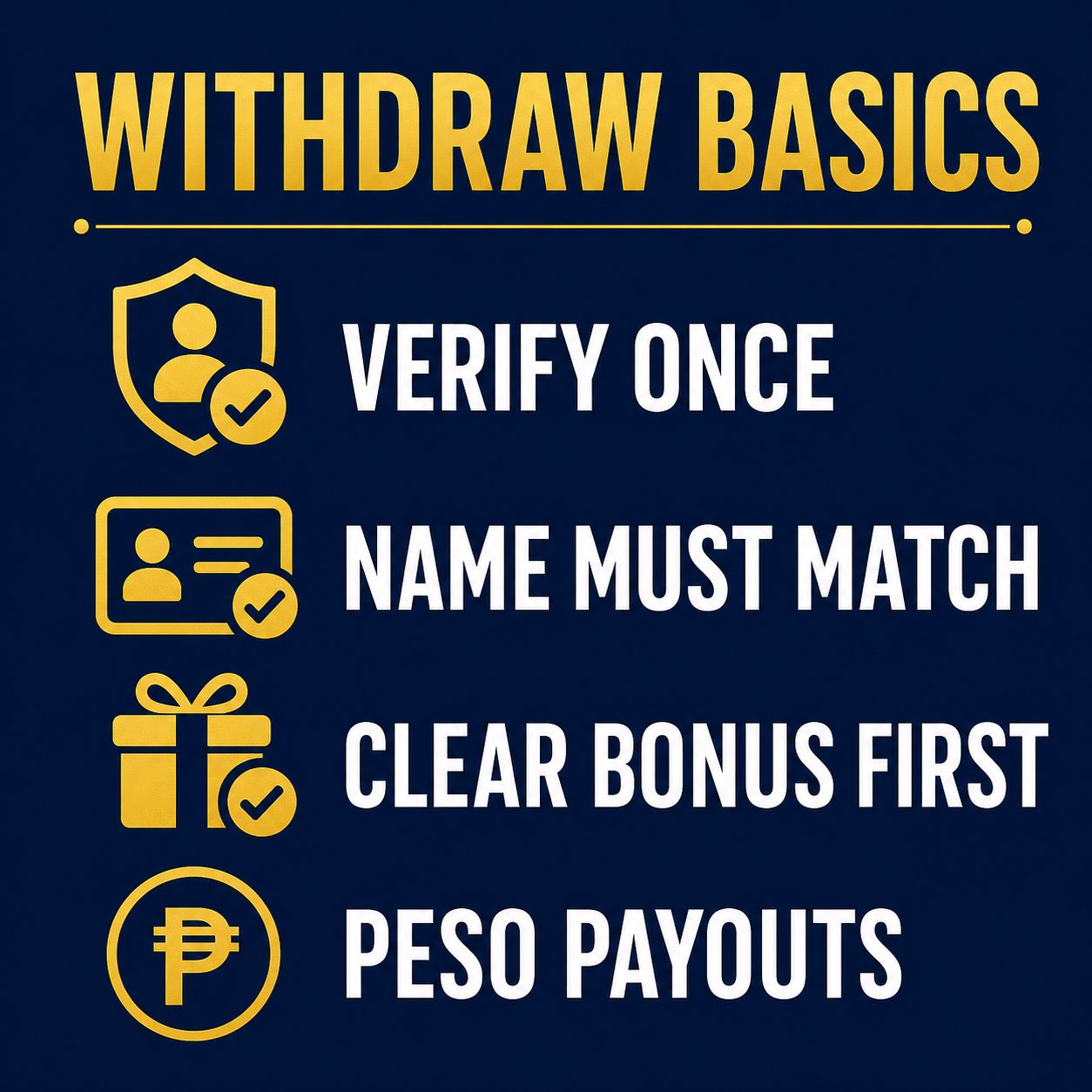
- Verify your identity once. Like every licensed operator, FalconPlay confirms who you are before your first withdrawal. This usually means uploading a valid government ID and sometimes a quick proof of address. It is a one time step, so do it early rather than on the day you want your money.
- Match the name on everything. The name on your FalconPlay account, your GCash or Maya wallet and your ID all need to match. Payouts go back to a wallet in your own name, never to someone else, so a mismatch is the most common reason a withdrawal is held.
- Clear any bonus wagering. If you claimed a bonus, its wagering requirement has to be met before the related funds can be withdrawn. Check your bonus balance so you know what is actually cashable.
- Withdraw to a method you have used. Paying out to the same GCash or Maya wallet you deposited from is usually the smoothest route.
Tip: Verify your account right after you register, long before you plan to cash out. When verification is already done, your first withdrawal behaves just like every one after it.
How to Withdraw on FalconPlay: Step by Step
With your account verified and your name matching, here is the full sequence. Once you have done it once, it takes well under a minute.
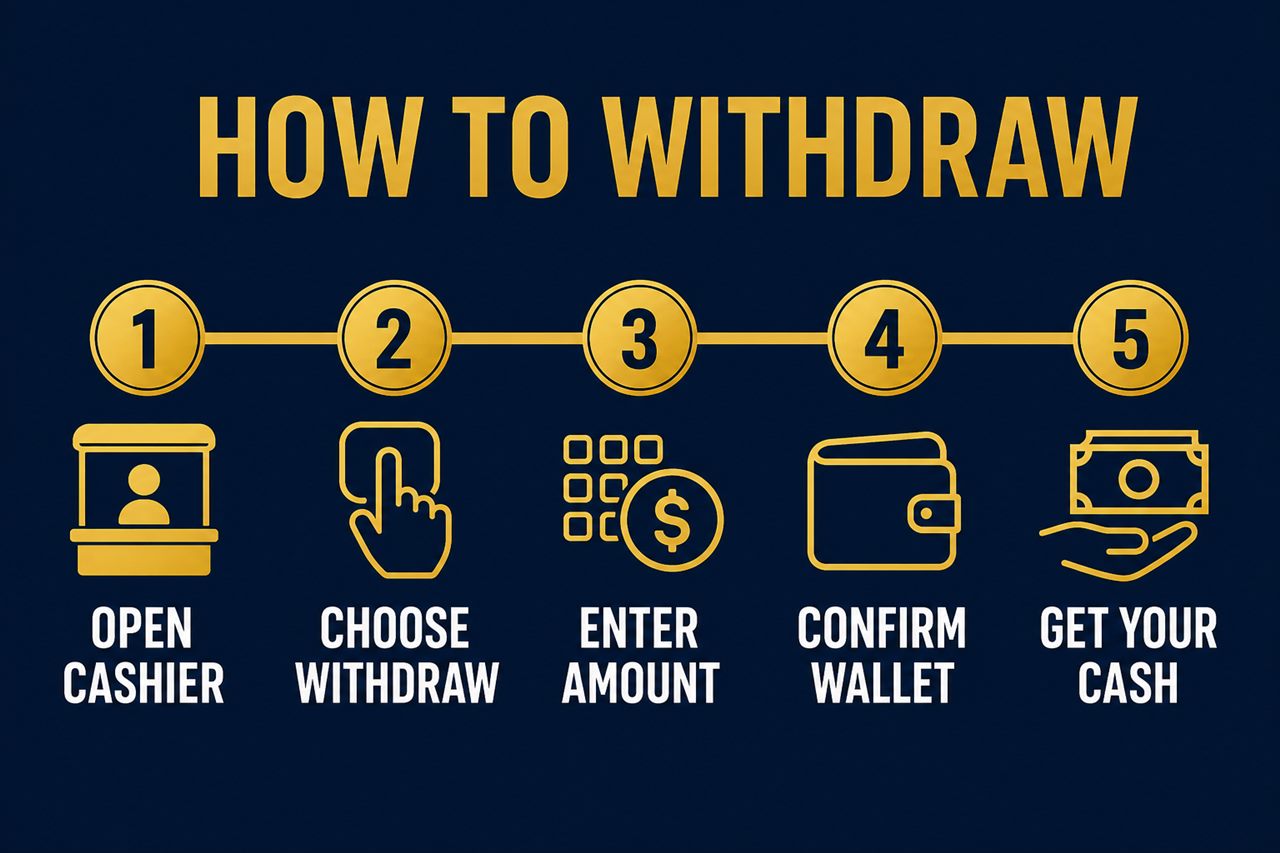
- Log in and open the cashier. Sign in to FalconPlay and go to the cashier section, usually found near your balance at the top of the screen.
- Choose withdraw. Switch from deposit to the withdraw or cash out tab.
- Enter the amount. Type how much you want to cash out, keeping to any minimum or maximum shown on screen.
- Confirm your wallet. Select or enter the GCash or Maya wallet in your own name that the payout should go to, and double check the number.
- Submit and get your cash. Confirm the request. Once it is processed, the money arrives in your e-wallet in pesos.
Note: A withdrawal shows as pending while it is processed. That is normal and does not mean anything is wrong. It simply means the request is in the queue to be paid.
Withdrawal Times, Limits and Fees
A few practical points set the right expectations so you are never left guessing.
| What | What to expect |
|---|---|
| First withdrawal | Can take longer while your account and details are reviewed for the first time. |
| Later withdrawals | Usually processed quickly once you are verified and everything matches. |
| Minimum and maximum | There is normally a minimum per request and a cap per transaction or per day, shown on the cashier screen. |
| Fees | Withdrawals to GCash or Maya are typically free or low cost. Any fee appears before you confirm. |
| Currency | Paid in Philippine pesos straight to your e-wallet. |
Exact times, limits and fees can change as the site is updated, so the cashier screen is always the final word. If a payout is taking longer than the times shown there, that is the moment to check in with support.
Good to know: Processing time is how long FalconPlay takes to approve and send the payout. After that, the money still moves on the GCash or Maya network, which is usually instant but can occasionally add a short delay at their end.
Why Is My Withdrawal Pending? Quick Fixes
Pending is normal at first. If it stays pending longer than expected, one of these is almost always the reason. Work through them in order.
| Reason | What to do |
|---|---|
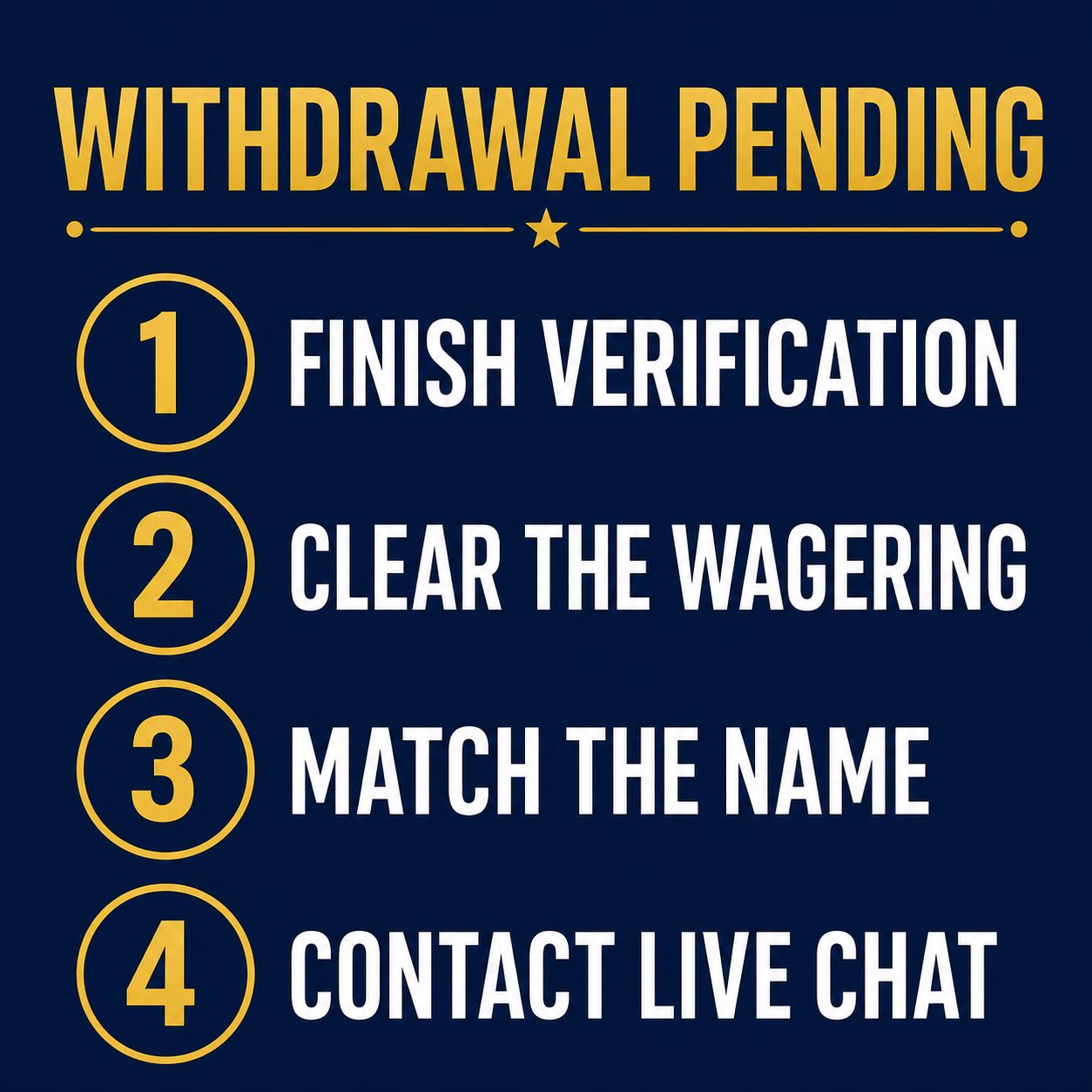
| Verification not finished | Complete identity verification if you have not already. This is the number one cause of a held first withdrawal. |
| Bonus wagering not met | Check your bonus terms. Cashable funds are released only once the wagering is complete. |
| Name does not match | Make sure your wallet name matches your account and ID exactly. Payouts cannot go to a different name. |
| Still pending after that | Contact live chat with the date, amount and your wallet details so they can look into it directly. |
Support is available around the clock by live chat, email and telephone. Having your request details ready makes any check much faster, and most holds clear as soon as the missing step is done.
Withdrawing Safely
Cashing out safely comes down to a few simple habits, the same ones that protect your bank app.
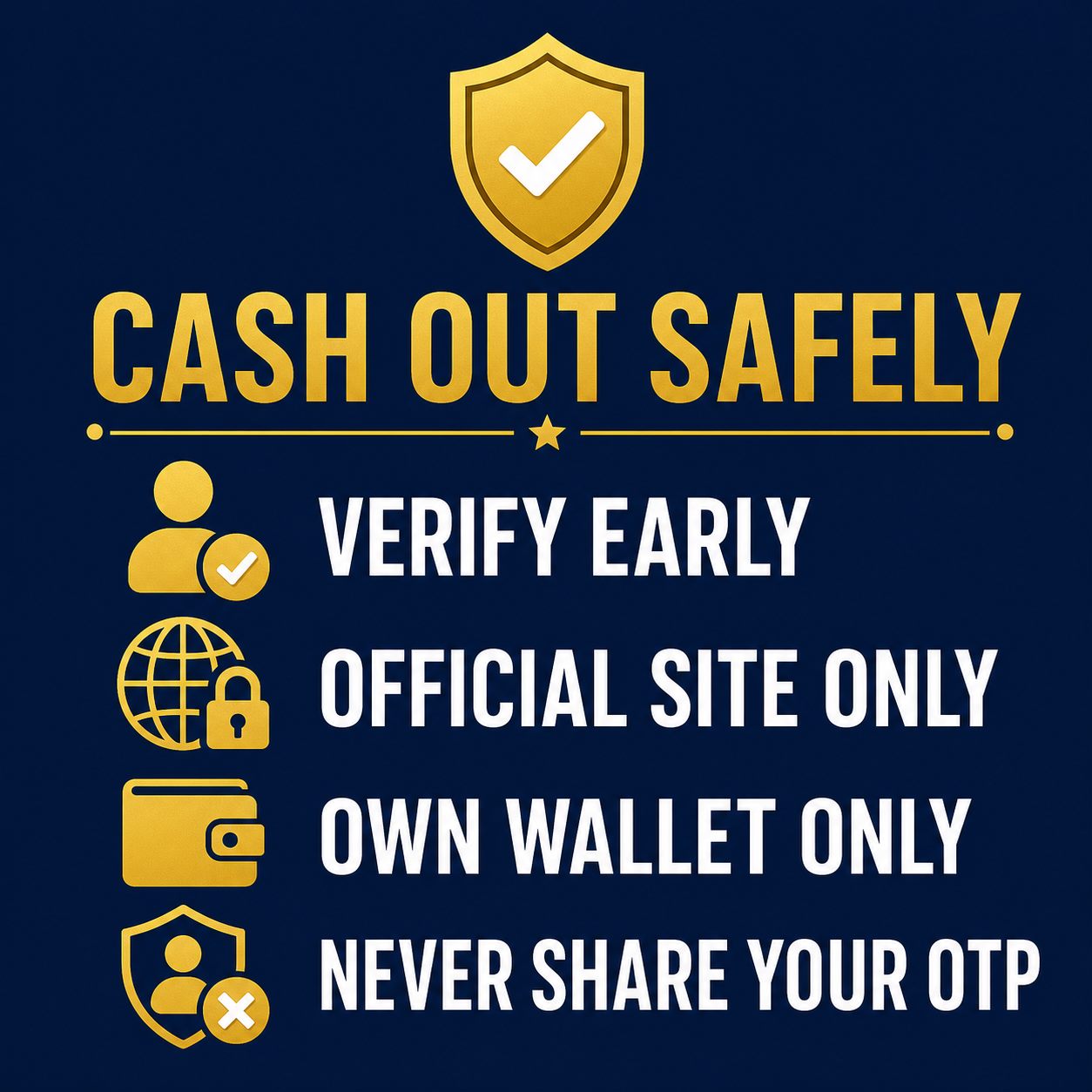
- Verify early, through the official site. Complete verification yourself inside your account, not through a link in a message. Never send your ID to anyone who contacts you out of the blue.
- Never share your one time codes. No FalconPlay agent will ever ask for your password or a wallet code to release a payout. Anyone who does is trying to scam you.
- Withdraw only to your own wallet. Your money goes back to a GCash or Maya account in your own name. Ignore anyone offering to receive it for you.
- Keep your receipt. Your request confirmation and wallet history are your record. Keep them until the cash out has clearly landed.
Frequently Asked Questions
How do I withdraw money from FalconPlay?
Verify your account once, then log in, open the cashier, choose withdraw, pick your GCash or Maya wallet, enter the amount and confirm. The money arrives in your wallet in pesos once it is processed.
Why do I need to verify my account?
Verification confirms you are who you say you are and protects your funds. Like every licensed operator, FalconPlay requires it before your first withdrawal, so doing it early keeps that payout smooth.
How long does a withdrawal take?
Later withdrawals are usually processed quickly once you are verified. The first one can take longer while it is reviewed. After approval, the money moves on the GCash or Maya network, which is usually instant.
Why is my withdrawal still pending?
The usual reasons are unfinished verification, bonus wagering that is not yet met, or a name that does not match your wallet. Clear the relevant one, and contact live chat if it is still pending after that.
Can I withdraw to a different wallet than I deposited from?
Payouts go to a GCash or Maya wallet in your own name. Using the same wallet you deposited from is usually the smoothest, and it can never go to someone else.
Is there a minimum withdrawal?
Yes, there is normally a minimum per request and a maximum per transaction or day. The exact figures show on the cashier screen.
Are there fees to withdraw?
Withdrawals to GCash or Maya are typically free or low cost. Any fee is shown before you confirm the request.
Play responsibly. FalconPlay is entertainment, not a way to make money. Only ever play with funds you can comfortably afford to lose, set yourself a budget and a time limit before you start, and never chase losses. Any winnings are a bonus, not an income. Play is for adults aged 21 and over only. If gambling stops being fun or starts to feel like a problem, step away and seek support. Free, confidential help is available through responsible gambling services.
Keep Reading
Disclosure: This page includes links to FalconPlay. If you register or play through them we may earn a commission, at no extra cost to you. We only ever recommend playing within your means, and always through the official site.