How to Deposit on FalconPlay: GCash and Maya Step by Step for Filipino Players

Once you have registered and logged in, funding your account is the last step before you play for real. The good news for Filipino players is that FalconPlay supports the two e-wallets you already use every day, GCash and Maya, so a deposit takes seconds, runs in pesos, and usually costs nothing.
This guide walks through the whole process in plain English: what to have ready, the exact deposit steps, how GCash and Maya compare, the limits and fees to expect, and what to do in the rare case a deposit does not show up straight away.
Quick Answer
To deposit on FalconPlay, cash in to your GCash or Maya wallet first, then log in to FalconPlay, open the cashier or deposit screen, choose your e-wallet, enter the amount, and approve the transfer. Deposits are usually instant and in pesos, with little or no fee. Your balance updates almost immediately and you are ready to play. You must have a registered account and be 21 or older.
💸 Fund Your FalconPlay Account in Seconds
FalconPlay accepts both GCash and Maya with instant peso deposits and English support around the clock. If you have not registered yet, opening an account is free and takes about two minutes.
Before You Deposit: What You Need
Two things need to be in place before your first deposit will go smoothly. Sorting them out first means the transfer itself takes only seconds.
- A registered, logged in account. You need a FalconPlay account before you can deposit. If you have not made one yet, our registration guide walks you through it, and it only takes a couple of minutes.
- A funded GCash or Maya wallet. The money comes from your e-wallet, so cash in to it first through your bank, InstaPay, online banking or an over the counter outlet. Have a little more in the wallet than you plan to deposit so the transfer clears comfortably.
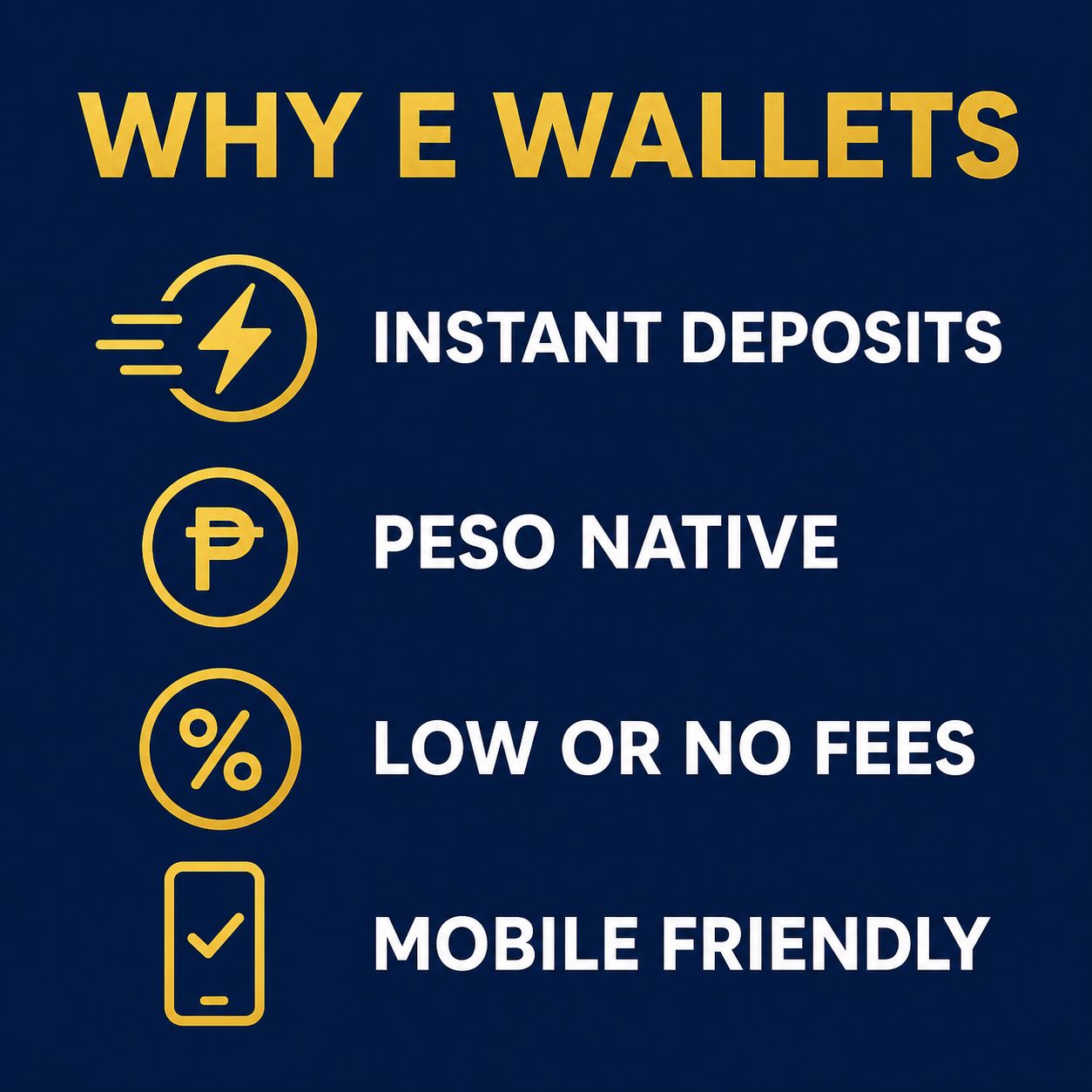
Why e-wallets rather than a card or a bank transfer? For Filipino players they are simply the best fit:
- Instant funding. Transfers from GCash or Maya usually land in seconds, so your balance is ready right away.
- Peso native. You deposit and play in pesos, with no currency conversion and no surprise exchange fees.
- Low or no fees. Most deposits from an e-wallet carry little or no charge, though it is always worth a glance at the cashier screen.
- Built in records. Every transfer shows up in your wallet history, which makes keeping track of your spending far easier.
How to Deposit on FalconPlay: Step by Step
With your wallet funded and your account ready, here is the full sequence. Start to finish it takes under a minute.
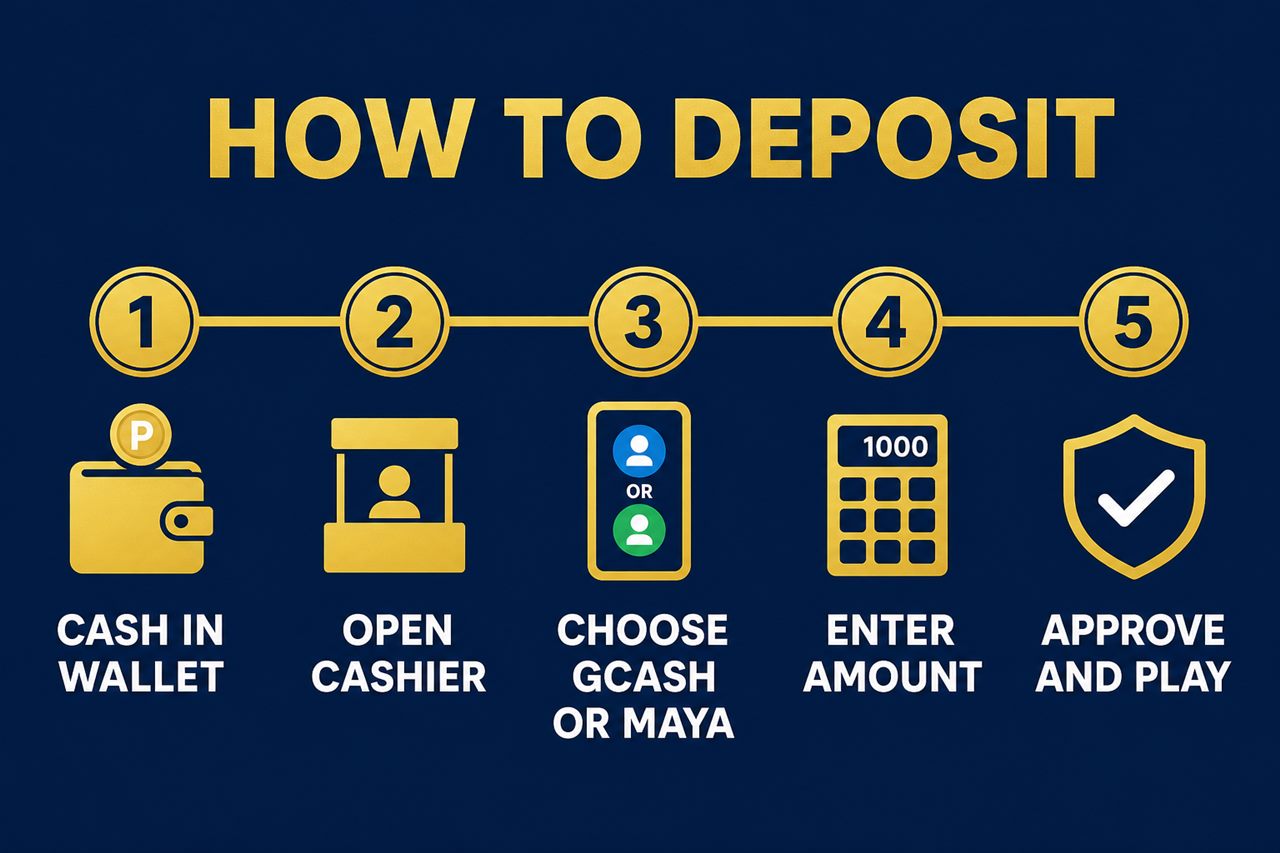
- Cash in to your wallet. Make sure your GCash or Maya balance covers the amount you want to deposit. If it is short, top it up first.
- Log in and open the cashier. Sign in to FalconPlay and go to the cashier or deposit section, usually found near your balance at the top of the screen.
- Choose GCash or Maya. Pick your e-wallet from the list of deposit methods.
- Enter the amount. Type in how much you want to deposit, keeping to any minimum or maximum shown on screen, then continue.
- Approve and play. Confirm the transfer in your wallet if prompted. Your FalconPlay balance updates almost immediately and you are ready to play.
Tip: For your very first deposit, try a small amount to get comfortable with the flow. Once you have seen a deposit land and your balance update, you will know exactly what to expect next time.
GCash vs Maya: Which Should You Use?
The honest answer is to set up both. They work in almost the same way for deposits, and having two means that if one is briefly unavailable you are never stuck. Here is how they compare.
| Feature | GCash | Maya |
|---|---|---|
| Deposit speed | Usually instant | Usually instant |
| Currency | Philippine peso | Philippine peso |
| Cash in options | Bank transfer, InstaPay, over the counter, online banking | Bank transfer, InstaPay, over the counter, online banking |
| Market reach | Very widely used across the country | Widely used and growing fast |
| Best for | Everyday go to wallet for most players | A strong backup, or a main wallet in its own right |
Both are regulated Philippine e-wallets with their own identity checks, so your money moves on trusted local rails either way. Choose whichever you already keep topped up, and keep the other ready as a backup.
Deposit Limits, Fees and Timing
A few practical points help you avoid surprises at the cashier.
- Minimums and maximums. There is usually a minimum deposit and a maximum per transaction. The exact figures are shown on the deposit screen, so check there before you confirm.
- Fees. Deposits from GCash or Maya are typically free or very low cost, but the cashier screen is the place to confirm for your amount.
- Timing. Deposits are usually instant. If one takes a little longer at a busy moment, give it a minute before worrying, and check your wallet history to confirm the money left your wallet.
Note: Keep the name on your FalconPlay account, your e-wallet and your ID all the same. Consistent names are what keep both deposits and, later, withdrawals flowing without any hold ups.
Deposit Not Showing? Quick Fixes
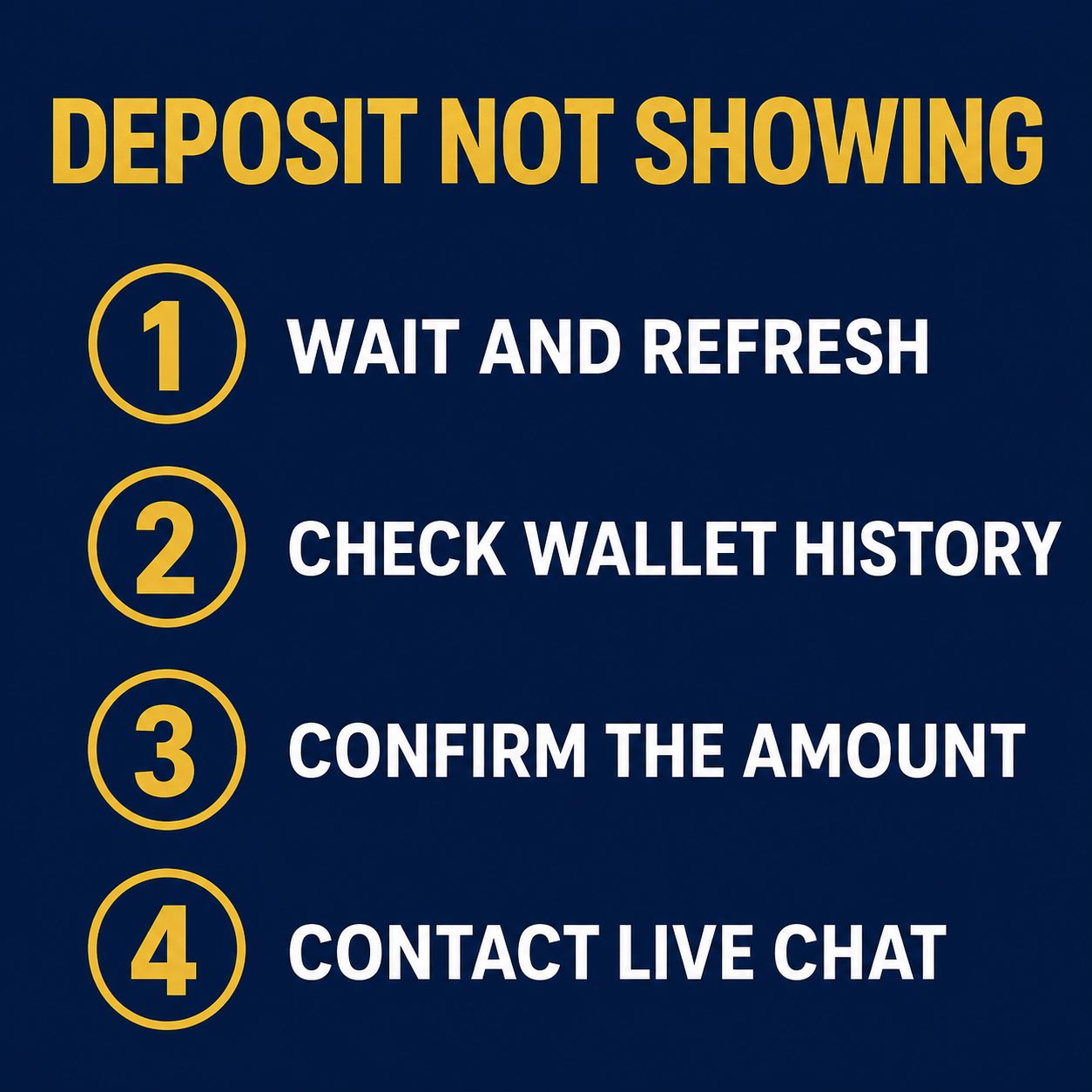
Deposits almost always land instantly, but if one seems slow, work through these in order before reaching out.
| Situation | What to check |
|---|---|
| Balance not updated yet | Wait a minute and refresh. Instant does not always mean the very same second at busy times. |
| Money left your wallet | Open your GCash or Maya history to confirm the transfer actually went through. |
| Wrong amount or method | Check you selected the right wallet and entered an amount within the limits. |
| Still nothing after a while | Contact FalconPlay live chat with the time, amount and your wallet reference so they can trace it. |
Support is available around the clock by live chat, email and telephone. Having your transfer reference from the wallet ready makes any check much faster.
Depositing Safely
Funding your account safely comes down to a few simple habits, the same ones you already use with your bank app.
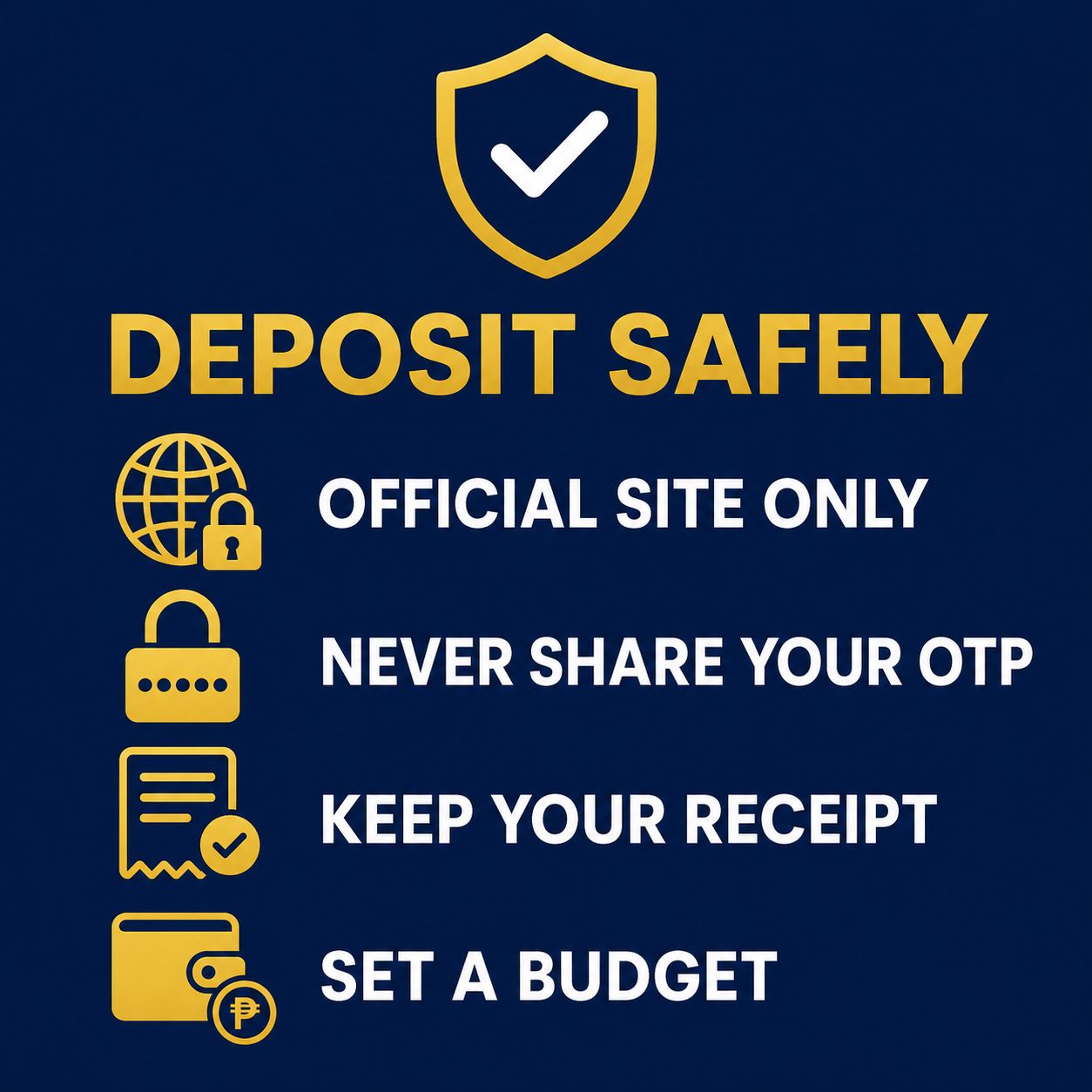
- Deposit only through the official site. Log in and reach the cashier yourself rather than through a link in a message. Never send money to a personal account someone gives you in a chat.
- Never share your one time codes. No FalconPlay agent will ever ask for a wallet code or your password. Anyone who does is trying to scam you.
- Keep your receipt. Your wallet history is your record. Keep it until the deposit has clearly landed in your account.
- Set a budget first. Decide what you are comfortable depositing before you start, and stick to it. A deposit limit is a tool, not a target.
Frequently Asked Questions
What is the easiest way to deposit on FalconPlay?
GCash or Maya. Cash in to your wallet first, then log in, open the cashier, choose the wallet, enter the amount and approve. It usually lands in seconds.
Do I need to verify my account before depositing?
In most cases you can deposit once your account is registered. Identity verification is required before your first withdrawal, so it is worth doing early.
How long does a deposit take?
Usually instant. At busy moments it can take a minute. Check your wallet history to confirm the money left your wallet if it seems slow.
Are there fees to deposit with GCash or Maya?
Deposits are typically free or very low cost. The cashier screen shows any fee for your amount before you confirm.
Is there a minimum deposit?
Yes, there is usually a minimum and a maximum per transaction. The exact amounts appear on the deposit screen.
My deposit has not shown up. What do I do?
Wait a minute and refresh, confirm the money left your wallet in your history, then contact live chat with the time, amount and reference if it still has not landed.
Can I use both GCash and Maya?
Yes. Setting up both means you always have a backup if one is briefly unavailable.
Play responsibly. FalconPlay is entertainment, not a way to make money. Only ever deposit funds you can comfortably afford to lose, set yourself a budget and a time limit before you start, and never chase losses by depositing more. Play is for adults aged 21 and over only. If gambling stops being fun or starts to feel like a problem, step away and seek support. Free, confidential help is available through responsible gambling services.
Keep Reading
Disclosure: This page includes links to FalconPlay. If you register or play through them we may earn a commission, at no extra cost to you. We only ever recommend depositing within your means, and always through the official site.